
Studio journal · Inside sus
From Nokia Themes to Sanat Utility Studio
A personal journey through early mobile customization, websites, medicine, independent software development and the arrival of AI-assisted tools.
This article is a personal account, not a tutorial promising that a subscription fee or a few clever prompts will magically turn anyone into a software developer.
Long before Sanat Utility Studio
My professional life is in medicine. After completing MBBS, I earned my MD in General Medicine and now practise as an Internal Medicine physician. But the curiosity that led me to Sanat Utility Studio began much earlier, during my medical-school years.
Nokia themes and KD Player skins
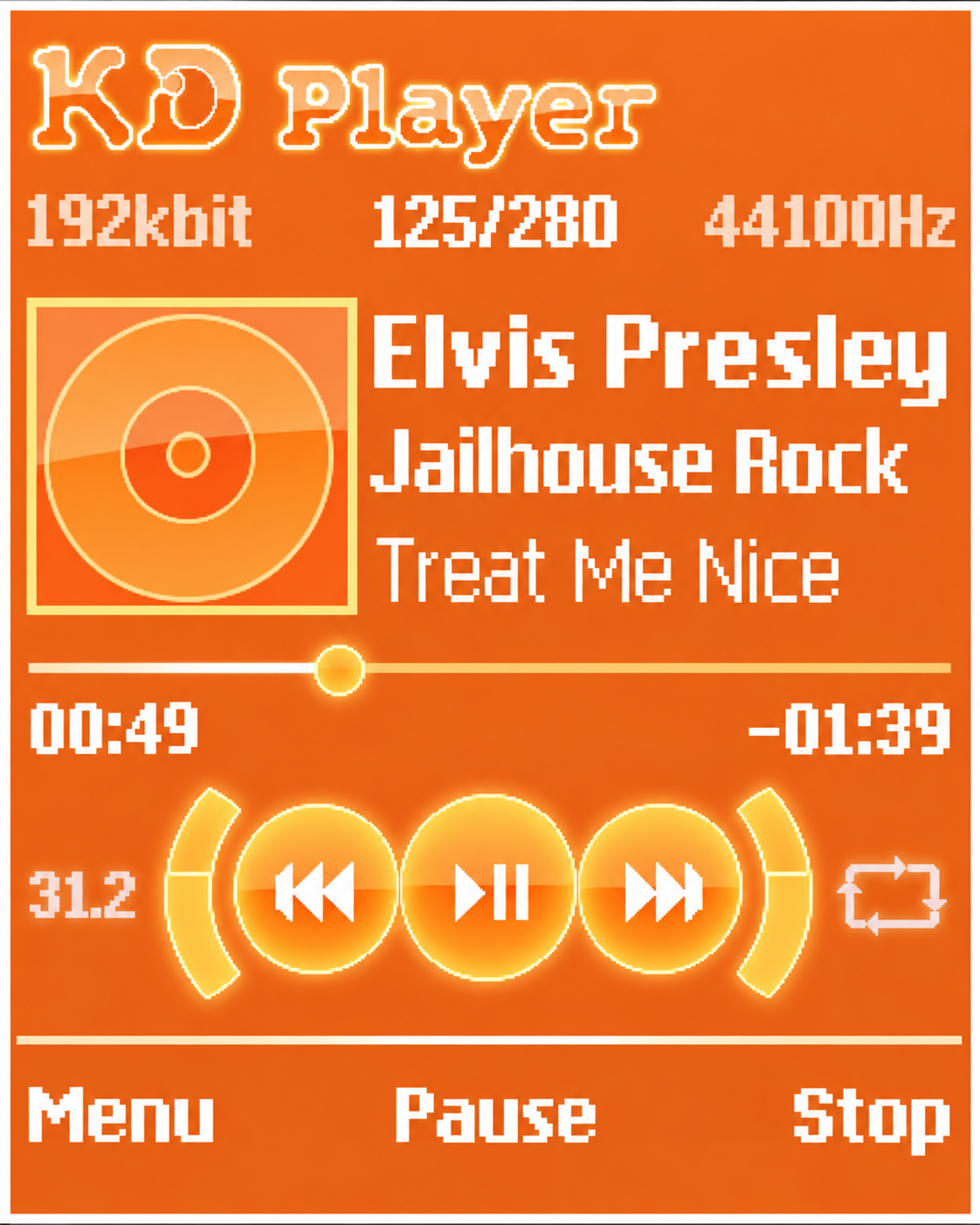
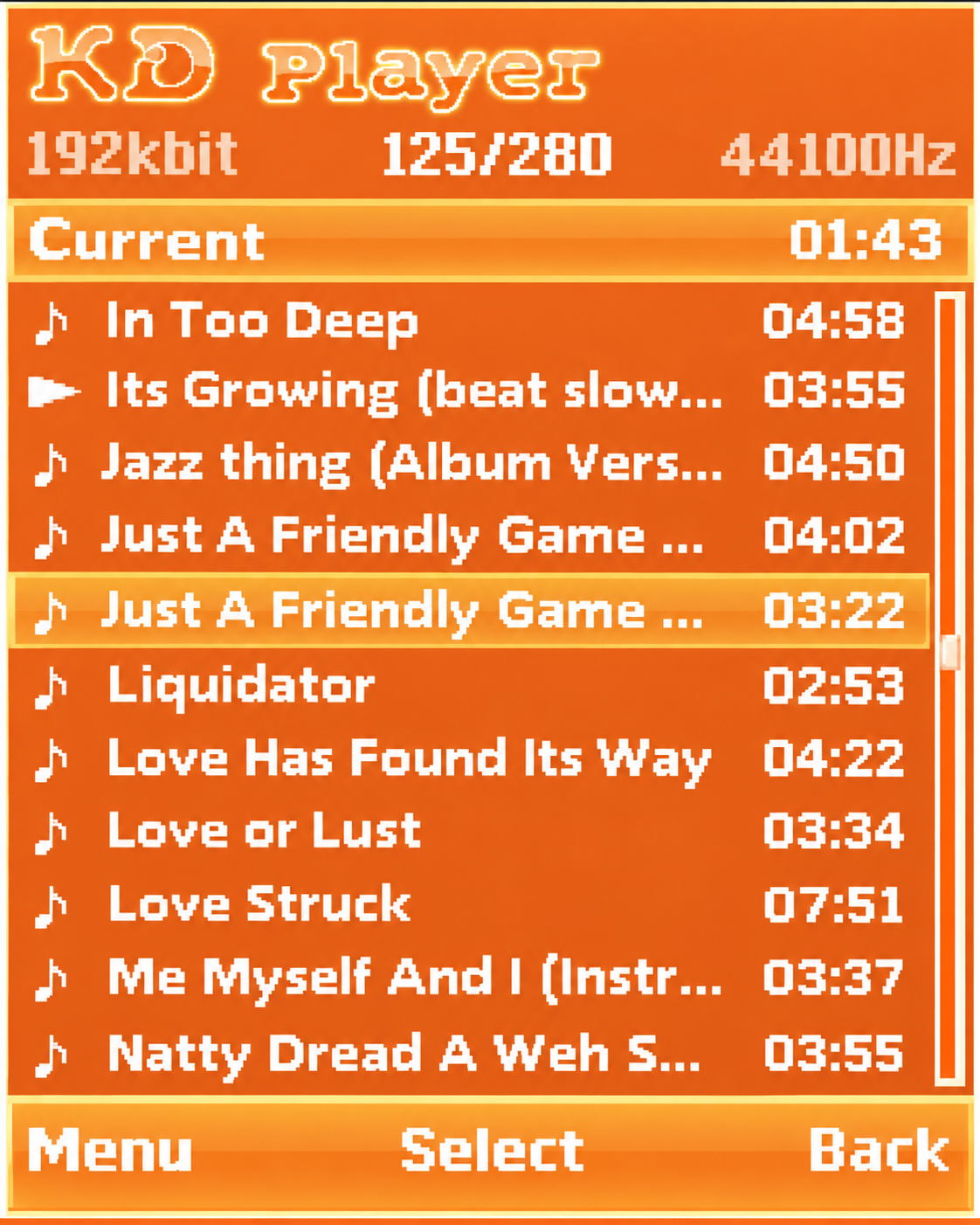
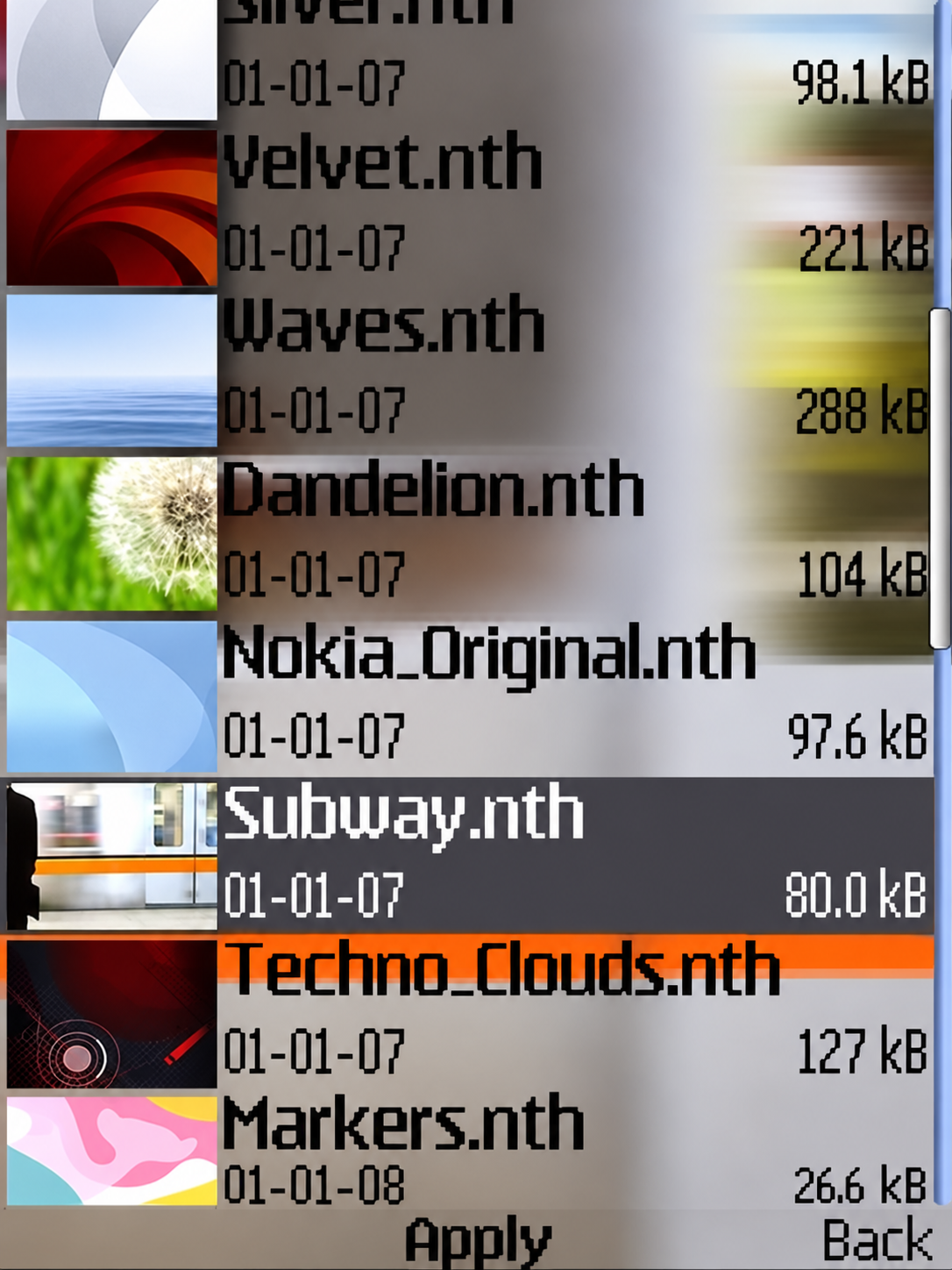
My early experiments with technology weren’t limited to websites. During the days of Nokia feature phones, I used to create custom .nth themes and experiment with designing skins for KD Player, a Java-based music player. I enjoyed changing colours, backgrounds, icons and other interface details, sometimes spending hours trying to get everything looking just right.
There was something satisfying about giving familiar software a different appearance. Even small changes could make the same phone or music player feel more personal. Looking back, I can still appreciate how much fun it was to experiment with those tiny screens.
And this was when phones had physical keypads, Bluetooth file transfers were practically a social activity, and a good-looking music-player skin was worth showing your friends.
From mobile screens to the web
That interest in customizing software eventually drew me toward building things on the web.
In the late 2000s, I was fascinated by the web: how pages were built, how links worked, and how someone could put something online without actually owning a server. I experimented with HTML, tried teaching myself some Java and Python, and published simple pages through free hosting services tailored to the feature phones of the era.
One of those early experiments was SanatRuma, a mobile-oriented website. The Internet Archive preserved a snapshot dated 24 September 2010, and looking back, it is a rather enthusiastic assortment of links to Java and Symbian applications, wallpapers, music, and computer utilities.
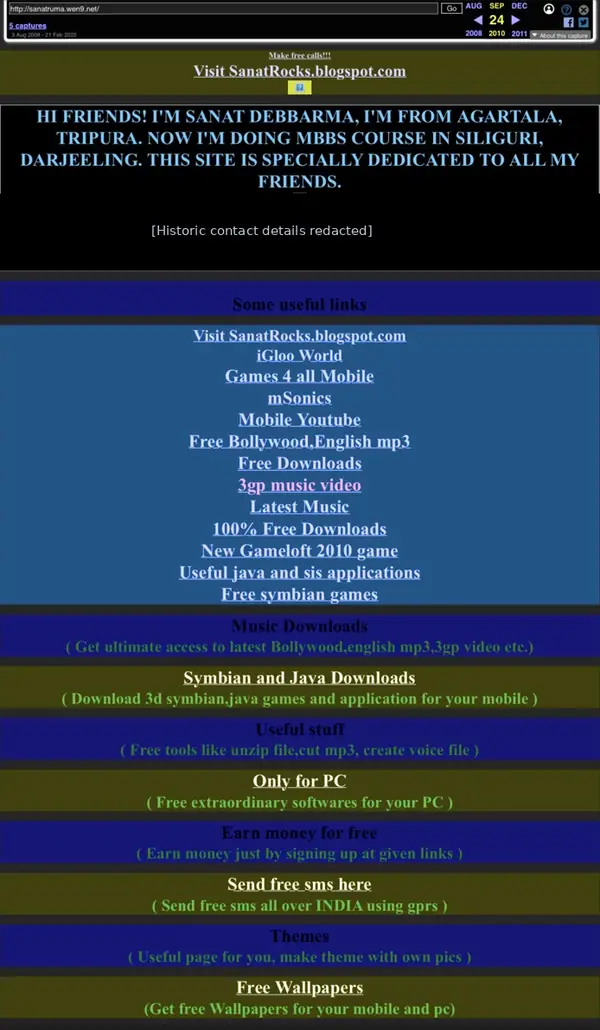
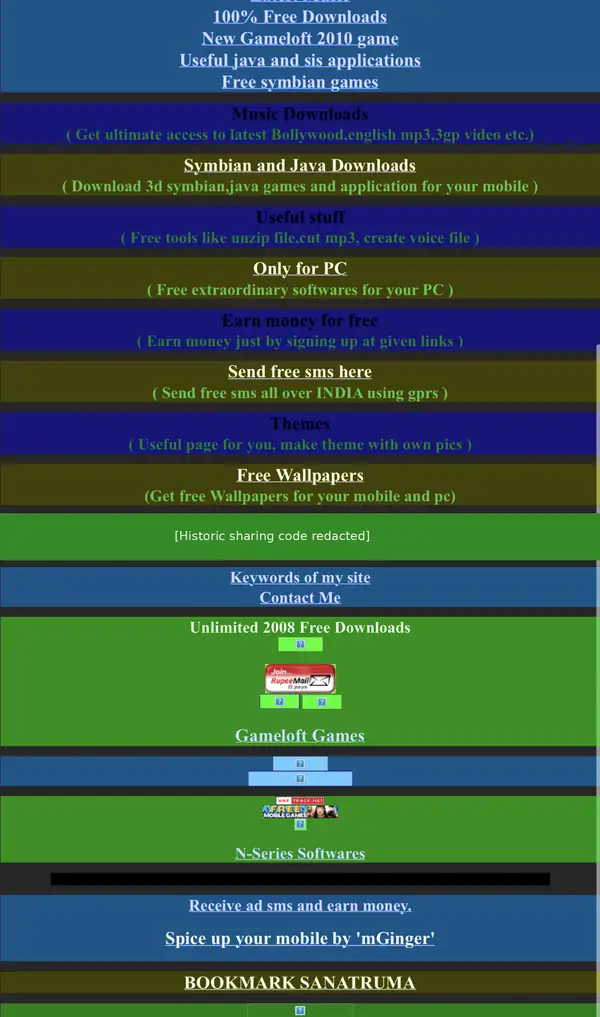
Looking at it now, the colour palette is… aggressive. Dark backgrounds, bright blue links, and neon green text were evidently all invited to the same party, and no one told them to quiet down. I would certainly design it differently today. But I am glad that version still exists because it captures the raw curiosity that started everything.
There was no grand business plan. I was just a medical student seeing what I could build and publish. That was reason enough.
Medicine continued. So did the curiosity.
I didn’t leave medicine to become a software engineer. Clinical practice and postgraduate medical training remained my career, while technology lived alongside them as an independent passion.
Over time, the tools evolved. Smartphones replaced the devices those old Java links were meant for, and the concept of a personal website expanded from a simple link directory to portfolios, project journals, and support sites.
What stayed constant was the core appeal: taking a practical problem and building a tool to solve it.
Sanat Utility Studio grew from that exact premise. Today, the studio houses several kinds of projects: Android utilities, desktop tools for media workflows, and experiments with local AI. Not everything is equally mature. Some projects are publicly released, while others are still in private testing or active development. Keeping those distinctions clear matters to me.
Where AI actually became useful
I do not have a formal computer science degree, which means there are inevitable gaps in my knowledge. I would rather acknowledge them than pretend they don’t exist.
Modern AI assistants have made it significantly easier for me to bridge those gaps. I can ask for an explanation of a confusing framework, compare different approaches to a UI, investigate a cryptic build error, or understand why a particular implementation is fragile. When an AI’s explanation is unclear, I can question it, test the logic, and ask for another route.
That has changed how quickly I can learn and work through unfamiliar problems. A question that once sent me searching through years of old forum discussions can now become a structured, interactive investigation.
But the distinction is critical: asking an AI for code is not the same thing as shipping reliable software.
An AI’s suggestion still needs to be understood in context and tested against real-world requirements. It can introduce incorrect assumptions, bloated dependencies, security flaws, or a technically brilliant solution that simply makes no sense for the actual product.
What the projects taught me
Consider three different kinds of work happening in the studio:
- KCalLog, an Android nutrition-tracking application, requires careful choices about how users record foods, review their nutrition, and set goals. An AI can help me explore data structures, but it cannot decide which UX compromises make the most sense for a tired user logging their dinner.
- KiloPic handles resizing and compressing images. Even a highly focused utility requires product judgment: balancing output size with visual quality, communicating useful output-size estimates, and deciding which features belong in which editions. Those decisions require human intuition and hands-on testing.
- AudioPrep Studio, a Windows desktop tool, manages audio conversion, metadata, and artwork. Coordinating user inputs with underlying tools like FFmpeg demands rigorous file handling and predictable exports. A plausible-looking code snippet from a chatbot is no proof that the final audio file won’t sound like a dial-up modem.
The applications differ, but the reality is the same: define a useful task, design a workflow, implement it, see what actually breaks, and revise it. AI has helped me at several of these stages, but it hasn’t removed my responsibility for any of them.
Building independently does not mean building effortlessly
There is a very tempting narrative online right now suggesting that software development is just a matter of describing an app to an AI and pressing a button. It makes for a great headline, but it leaves out much of the work involved in making software reliable.
A useful application needs more than code that manages to compile once. It needs sensible defaults, human-readable error messages, reliable storage, appropriate privacy protections, and a release process that doesn’t accidentally destroy your existing users’ data.
The decidedly unglamorous work matters just as much: checking package versions, reviewing permissions, fixing stubborn build configurations, and documenting what a tool actually does. It can be deeply frustrating, but it is also the core of the craft.
When an AI response is wrong, I still have to recognize the error. When an app behaves unexpectedly, I still have to investigate it.
I’ve learned to treat AI as an unusually accessible, occasionally overconfident development assistant, not an authority that replaces verification.
The distance between 2010 and today
My early site was largely about discovering and sharing existing software. Today, Sanat Utility Studio is about building the tools themselves.
That evolution didn’t happen in a straight line, and I have no interest in manufacturing a neat, cinematic origin story. Medicine occupied much of the intervening time, but the pull of technology kept drawing me back.
Now, the studio website features a journal alongside the app catalogue. I plan to use it to document real development decisions, explain experiments, and share tutorials when I actually have something useful to teach. I also want to discuss useful developments in software, developer tools, AI and technology more broadly, with links to original sources when covering news.
There will be successful launches, abandoned ideas, and mistakes well worth documenting. I would much rather make those visible than pretend every project is an effortless triumph.
AI was the tool, not the creative pilot. It helped me navigate problems, but the curiosity and direction stayed mine.
That is the simplest way I can describe this journey so far.
If you are curious about the software itself, you can explore the studio’s applications. If you would rather follow the messy, human work behind them, the studio journal is where I will be keeping my notes.